Xt floating cart for woocommerce guide and features overview
XT Floating Cart for WooCommerce introduces a seamless sliding cart experience whenever a user purchases an item. This dynamic tool enhances the shopping journey by keeping the cart easily accessible without interrupting the user's browsing flow.
Store owners can fully customize the interface directly through the WordPress Customizer while enjoying real-time live previews. Furthermore, product additions, quantity adjustments, and price calculations update instantly using advanced Ajax technology.
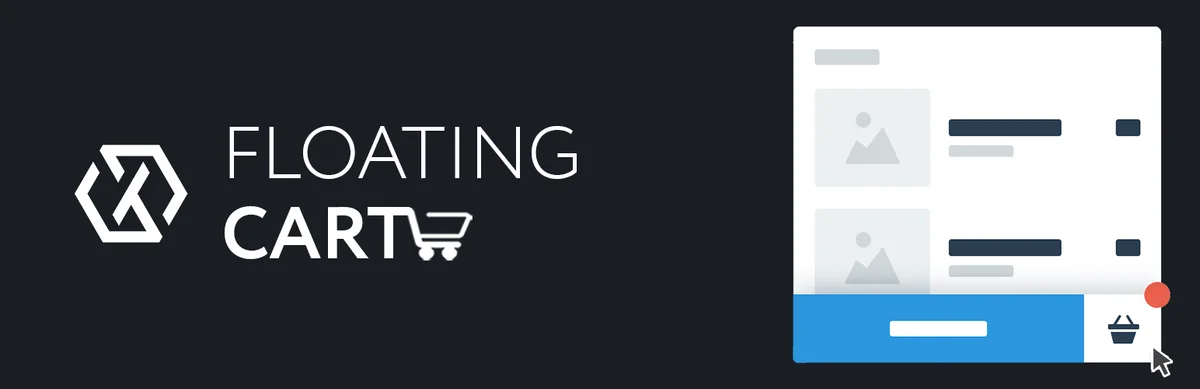
The plugin features a visually appealing fly-to-cart animation that engages customers when they add new items. Users can easily choose between morph and slide animations to match their specific store design and overall aesthetic preferences.
Shoppers benefit from a convenient one-click button to clear or restore their entire cart instantly. Additionally, the sliding cart fully supports complex product variations, composite items, and bundled packages without any functional glitches.
Boost your store's average order value by enabling suggested products, cross-sells, and upsells directly inside the floating cart. You can also display a dynamic free shipping promotional bar to encourage buyers to spend more during their visit.
Streamline the buying process by activating the express checkout form and clearly displaying cart totals or subtotals. Customers can quickly input discount coupons directly within the cart menu and view their total savings immediately.
Tailor the cart's exact dimensions by modifying the height and width, or simply enable the smart auto-height feature. The customizer allows you to apply unique Google Fonts, custom colors, and personalized background designs effortlessly.
Replace standard cart graphics with your own custom SVG files, images, or font icons. To further enhance the user experience, administrators can select from eleven distinct loading spinner animations to perfectly match their corporate branding.
Control exactly where and how the cart appears using detailed device visibility options and specific page exclusion settings. You can even add a convenient floating cart menu item directly to your main website navigation layout.
The plugin seamlessly integrates Ajax add-to-cart functionality on single product pages and within quick view modals. Administrators can configure the cart to trigger on mouse hover, display specific product attributes, and fully support RTL languages.
XT Floating Cart for WooCommerce introduces a seamless sliding cart experience whenever a user purchases an item. This dynamic tool enhances the shopping journey by keeping the cart easily accessible without interrupting the user's browsing flow.
Store owners can fully customize the interface directly through the WordPress Customizer while enjoying real-time live previews. Furthermore, product additions, quantity adjustments, and price calculations update instantly using advanced Ajax technology.
Core shopping cart functionality and animations
The plugin features a visually appealing fly-to-cart animation that engages customers when they add new items. Users can easily choose between morph and slide animations to match their specific store design and overall aesthetic preferences.
Shoppers benefit from a convenient one-click button to clear or restore their entire cart instantly. Additionally, the sliding cart fully supports complex product variations, composite items, and bundled packages without any functional glitches.
Checkout enhancements and sales boosters
Boost your store's average order value by enabling suggested products, cross-sells, and upsells directly inside the floating cart. You can also display a dynamic free shipping promotional bar to encourage buyers to spend more during their visit.
Streamline the buying process by activating the express checkout form and clearly displaying cart totals or subtotals. Customers can quickly input discount coupons directly within the cart menu and view their total savings immediately.
Extensive customization and design options
Tailor the cart's exact dimensions by modifying the height and width, or simply enable the smart auto-height feature. The customizer allows you to apply unique Google Fonts, custom colors, and personalized background designs effortlessly.
Replace standard cart graphics with your own custom SVG files, images, or font icons. To further enhance the user experience, administrators can select from eleven distinct loading spinner animations to perfectly match their corporate branding.
Advanced display rules and user interactions
Control exactly where and how the cart appears using detailed device visibility options and specific page exclusion settings. You can even add a convenient floating cart menu item directly to your main website navigation layout.
The plugin seamlessly integrates Ajax add-to-cart functionality on single product pages and within quick view modals. Administrators can configure the cart to trigger on mouse hover, display specific product attributes, and fully support RTL languages.

🗂️ Tệp đính kèm